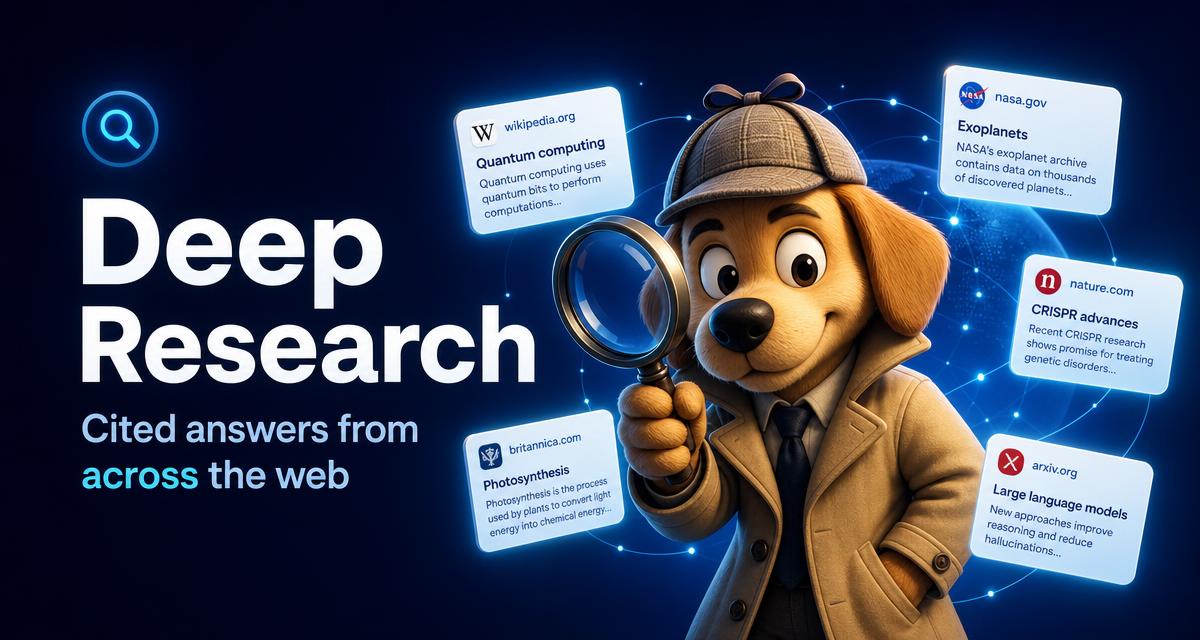
Deep Research: cited answers from across the web
Ask a hard question and Jarvis AI gathers information across the internet, streams what it finds, and answers with numbered citations plus a note on what was searched.
What does Deep Research do?
Deep Research runs a broader pass than Fast Chat: it looks across multiple sources, summarises intermediate findings in a live web-results panel, and composes an answer with inline [1]-style citations you can open.
How do I know where an answer came from?
Every response ends with a confidence and coverage note describing what was searched and which sources were used, so you can judge the answer instead of trusting it blindly.
Can I control the search scope?
Yes. Set recency (last day, week, month or any time), region, and whether to include only reliable sources before you send your question.
Can I research by voice?
Yes — speak your question, review the live transcript, and Jarvis reads the researched answer aloud in your language. Quick questions are better suited to Fast Chat.
Can I research a document I uploaded?
Yes. Combine Deep Research with OCR scanning to have Jarvis read your file and then check it against sources on the web.