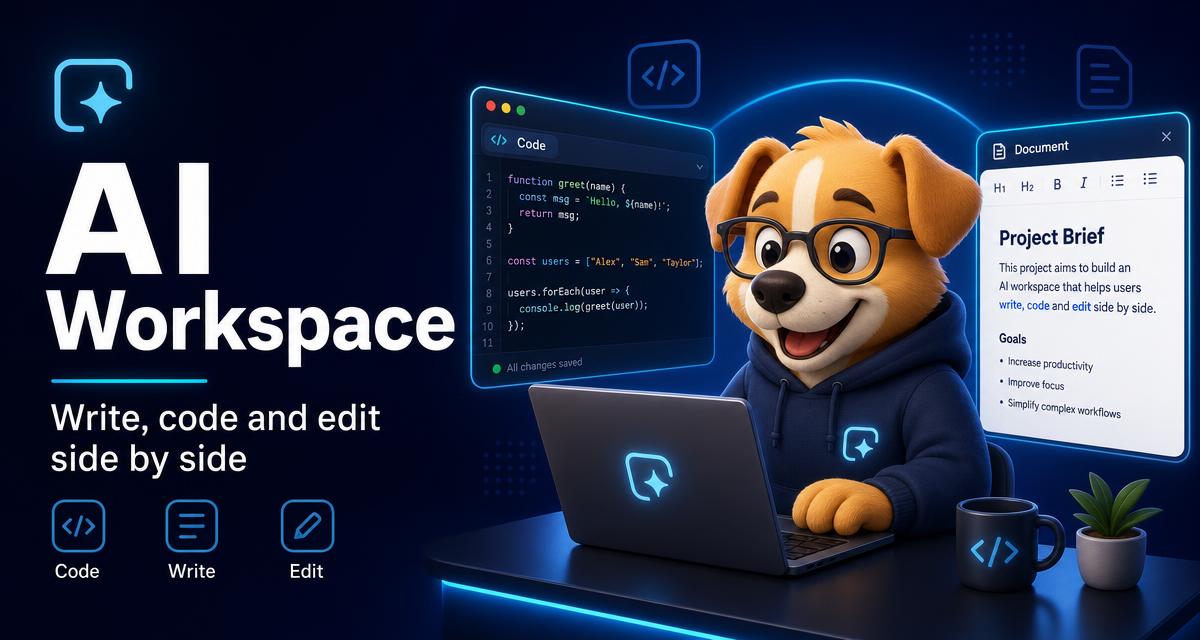
AI Workspace: write, code and edit side by side
Long answers, drafts and code don’t belong in a chat bubble. The Jarvis AI Workspace opens them in a canvas beside the conversation so you can keep working.
What is the AI Workspace?
It’s a split-screen canvas. Any answer that contains a document or code block can be expanded into the workspace, where the text stays readable and copyable while you continue the conversation.
What can I build in it?
Drafts, outlines, emails, summaries, scripts, snippets and full code files. Ask Jarvis to revise a section and the canvas updates with the new version.
Does it work with research and scans?
Yes. Pull cited material from Deep Research or extracted text from an OCR scan straight into the workspace and edit from there.
Can I use it on my phone?
Yes. On mobile the workspace opens as a full-height portrait panel, sized for one-handed reading and editing.
Open the workspace
Start a conversation in Jarvis AI and expand any long answer. Setup questions are covered in the help center.